



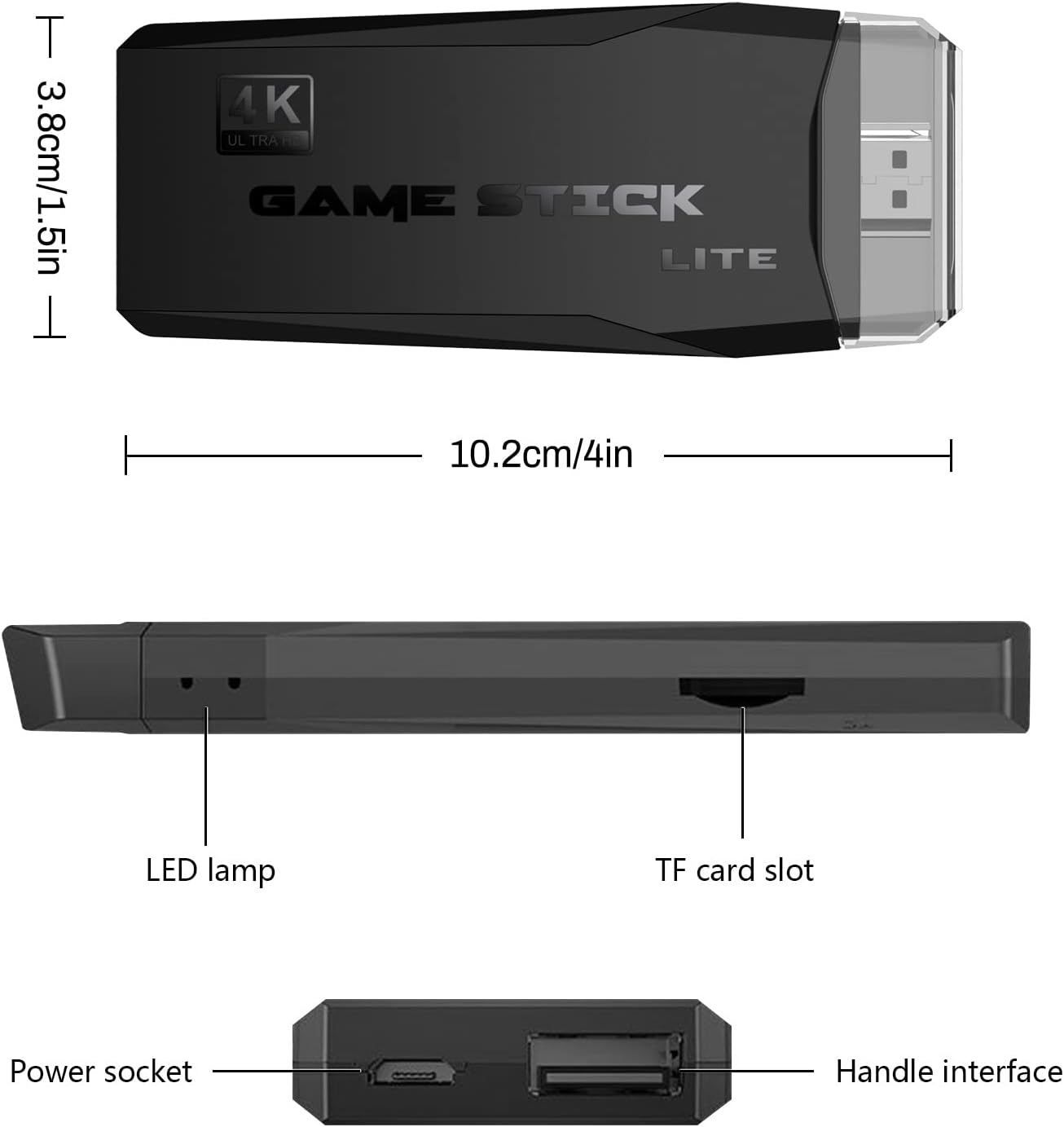


PixelBlast Lite – 4K Retro Spiele Konsolen Stick
Ab: $ 69,95
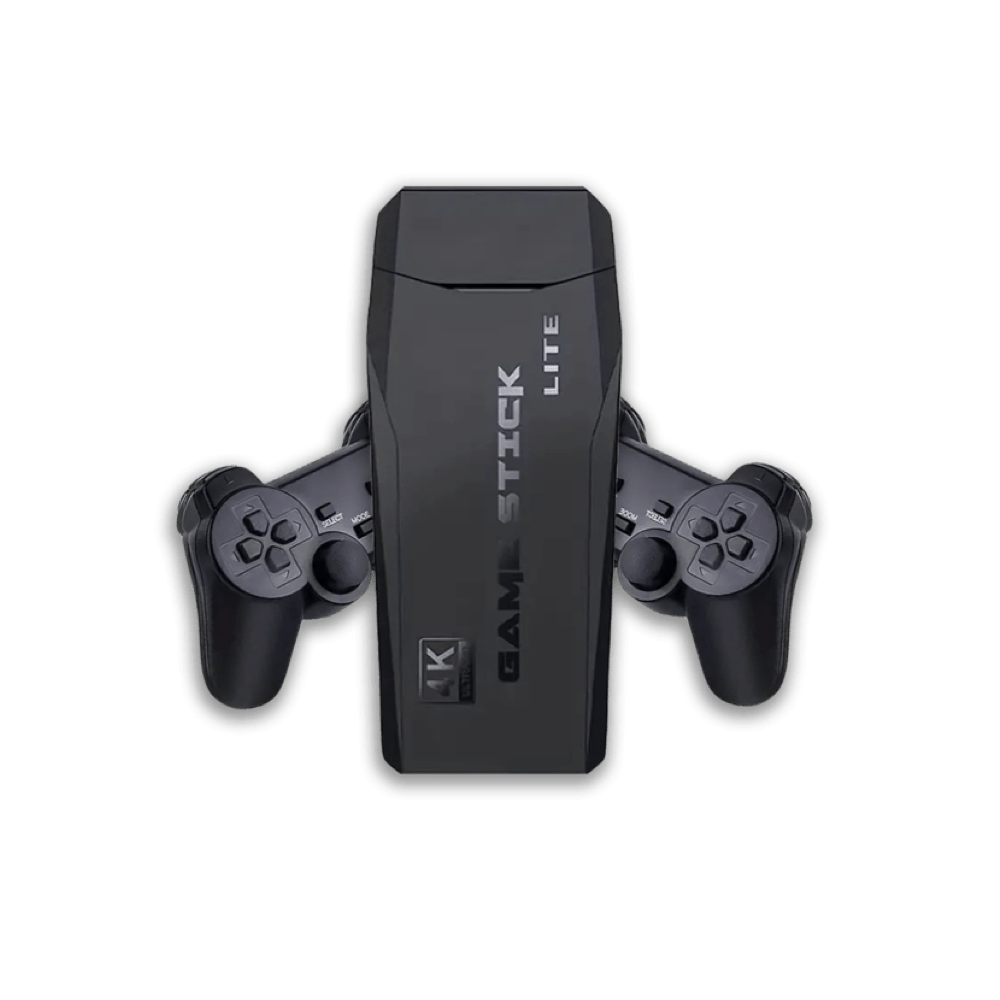
PixelBlast Lite 4K, präsentiert von SickoApe. Diese von Retro inspirierte Spielekonsole wird mit zwei kabellosen Controllern geliefert und bietet ein nostalgisches, aber dennoch modernes Spielerlebnis. Erkunde die Welt des Retro-Gamings mit Stil. Hol dir jetzt das ultimative Gaming-Setup!


Bestellung leicht verfolgen
Mit Leichtigkeit auf dem Laufenden bleiben

30-day money back
simply return within 30 days

Garantiert sicherer Checkout
Bist du vielleicht interessiert an...
Sale!


Sale!
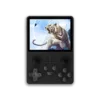
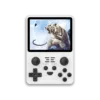

(239)
Ab: $ 43,99


Sale!
(100)
Ursprünglicher Preis war: $ 29,95$ 16,95Aktueller Preis ist: $ 16,95.


Sale!

(145)
$ 89,99 $ 54,99


🎮 Level Up Dein Spielerlebnis mit PixelBlast Lite – Die ultimative kabellose Spielekonsole! 🕹️
Tauche ein in über 30.000 Klassiker und lass dich von den unvergesslichen Melodien mitreißen. Begib dich auf eine Reise durch die Zeit, als das Spielen noch eine ganz andere Bedeutung hatte, und erlebe diese besonderen Momente noch einmal.

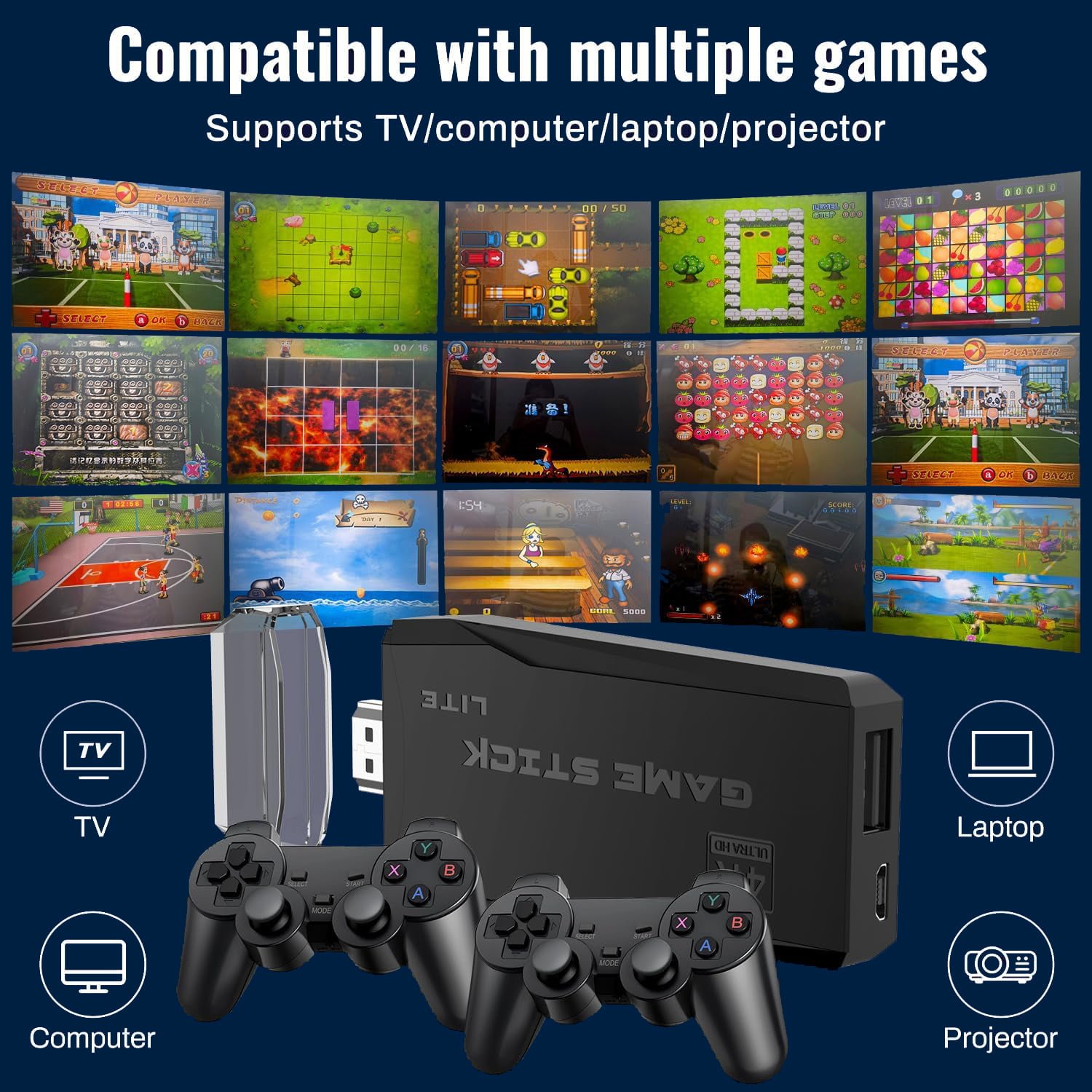
Über 30,000 Retro Spiele!
Genieße über 30.000 Retro-Spiele aus der goldenen Ära der 80er und 90er Jahre!

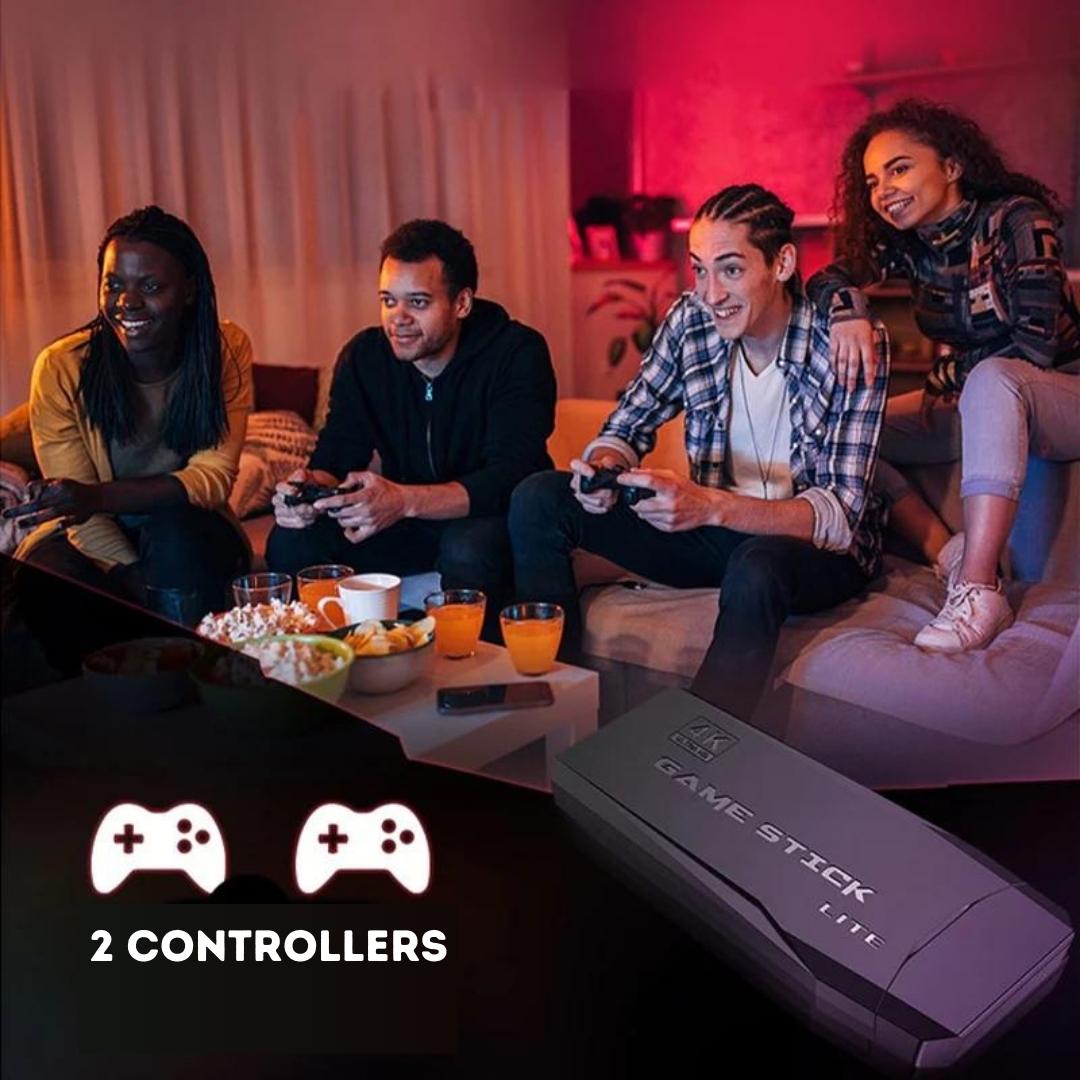
2 kabellose Controller
Teile ein unvergessliches, nostalgisches Spielerlebnis mit deinen Freunden und Familienmitgliedern

UNGLAUBLICHER SPIELSPASS ZUM KLEINEN PREIS
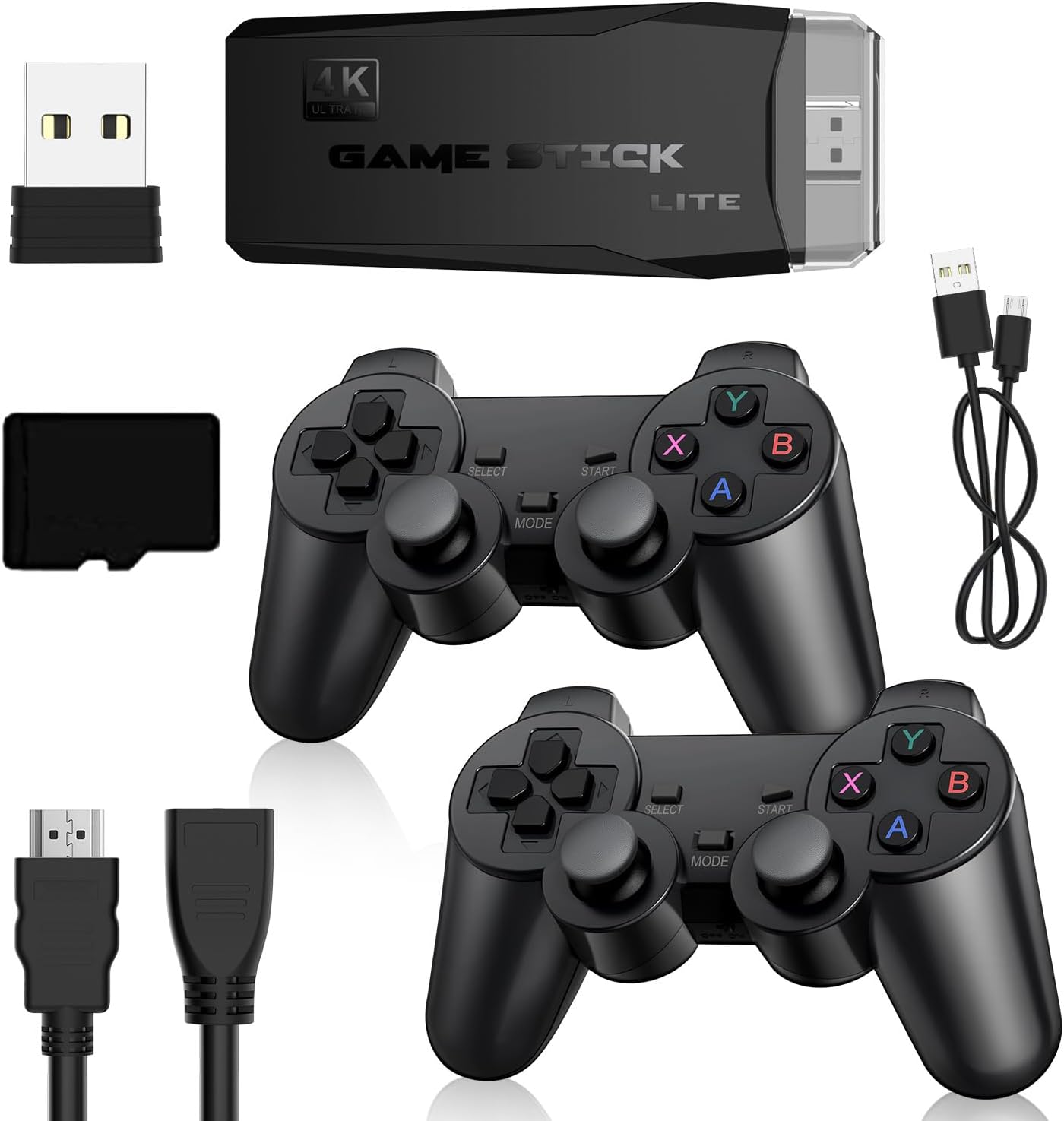
Während moderne Spielkonsolen im Durchschnitt über 500 € kosten, bekommst du mit dem PixelBlast Lite das komplette Paket: Konsole, 2 Controller, einen Speicherchip, ein HDMI-Kabel und Tausende von Spielen – alles zu einem Bruchteil des Preises! Genieße großen Spielspaß, ohne die Bank zu sprengen!
VON MARIO BIS POKÉMON: ZURÜCK IN DIE PIXEL Welt
Erlebe die faszinierende Geschichte des Glücksspiels hautnah mit einer beeindruckenden Sammlung von über 30.000 Spielen! Tauche ein in die goldene Ära der 80er und 90er Jahre und lass dich von preisgekrönten Titeln wie Super Mario, Crash Bandicoot, Zelda, Sonic, Donkey Kong, Street Fighter, Mortal Kombat, Metroid und vielen anderen in eine Welt voller Nostalgie und unvergesslicher Momente entführen.


GEMEINSAME FREUDE, GEMEINSAME ABENTEUER
Teile ein unvergessliches, nostalgisches Spielerlebnis mit deinen Liebsten mit 2 KOSTENLOSEN kabellosen Controllern – ganz bequem von deiner Couch aus, ohne Verzögerungen oder Latenzprobleme. Reibungsloses Spielen ist garantiert! Lass deine Kinder in deine eigene Kindheit eintauchen und schaffe gleichzeitig Erinnerungen, die für immer in ihren Herzen bleiben werden.
Wie verwende ich PixelBlast Lite?
Schritt 1: Verbinde das PixelBlast Lite mit dem HDMI-Anschluss deines Fernsehers. Schritt 2: Wähle den richtigen HDMI-Eingang auf deinem Fernseher aus. Schritt 3: Lehn dich zurück und genieße über 30.000 Retro-Spiele!

Häufig gestellte Fragen
Unser Support-Team ist rund um die Uhr verfügbar
*Durchschnittliche Reaktionszeit: 4 Stunden
Welche Spiele sind enthalten?
Drücke hier, um eine Liste aller Spiele zu sehen, die auf dem PixelBlast Lite enthalten sind.
Auf welche Sprache sind die Spiele?
Natürlich! Du kannst in jedem Spiel den aktuellen Stand speichern.
What language are the games in?
Die Spiele, die sich auf dem Stick befinden, werden in fünf verschiedenen Sprachen angeboten, darunter Englisch sowie Deutsch.
Wie schließe ich die Controller an das PixelBlast Lite an?
Die Controller sind bereits mit dem PixelBlast Lite verbunden. Du musst nur die Batterien hinzufügen, und schon kannst du spielen.
Auf welchen Geräten kann ich das PixelBlast Lite verwenden?
Der Stick funktioniert mit jedem Gerät, das einen HDMI-Eingang hat.
Was tue ich, wenn mir das Produkt nicht gefällt?
Keine Sorge! Wir haben ein 30-tägiges Rückgaberecht.
148 Rezensionen für PixelBlast Lite – 4K Retro Spiele Konsolen Stick
Nur angemeldete Kunden, die dieses Produkt gekauft haben, dürfen eine Rezension abgeben.










The game selection is weird though - it's a collection of NES games but there's a bunch of repeats, homebrews, and weird hacks like Mario 16. Some of these are playable and sometimes fun, but most are just bloatware to add to the game count. This is the weakest point but... at least you can play Mario.
1. When it says "FC" I guess that means Famicom, which is what the NES was called in its native Japan. Basically, it's a tiny Game Boy-shaped console that only plays NES games and comes with an NES-style controller for a second player. (The extra buttons are two turbo buttons and a reset that takes you back to the game select.)
2. The game selection is weird, which, now that I read up on it, is apparently common for "Famiclones." There are some huge games on here -- the original NES Marios and Contras, Double Dragon, Final Fight, though no Zelda or Metroid -- but they're not even placed prominently in the game list. There are also some games you've never heard of, some foreign-language versions of popular games, and some obviously fake games (with names like "Mario XIV" or whatever). Some of the fake games are apparently "hacks" where someone took one NES game and swapped the character sprites with characters from a different game. I don't know if this is some weird copyright trick or what, but it's bizarre and annoying. I'd much prefer 50 good, legitimate, official games at a higher price point.
3. It hooks up to a TV (a tiny TRS plug goes into the console and just two RCA plugs go into the TV -- video and mono audio), but the cord is ridiculously short. You can only use it if the jacks are in the front of the TV and you want to sit right in front of it. If the jacks are in the back of the TV, plan on standing to the side! It's not even a normal 1/8" TRS plug, so I wasn't able to jerryrig my own without buying new cables. If you want to play two-player, plan on sharing the gameboy.
4. I haven't broken it yet, but it's EXTREMELY light. I'm not expecting it to last long, especially if I let my kids at it.
5. For the money it's not terrible, I guess, but I really wish Nintendo would put out a Game Boy Classic. I would snap that up in a second.
As far as the games that I’ve played in the past, these were a fun blast to the past! The obstacles in the games aren’t quite as difficult to beat as they were on the original games, but I don’t mind.